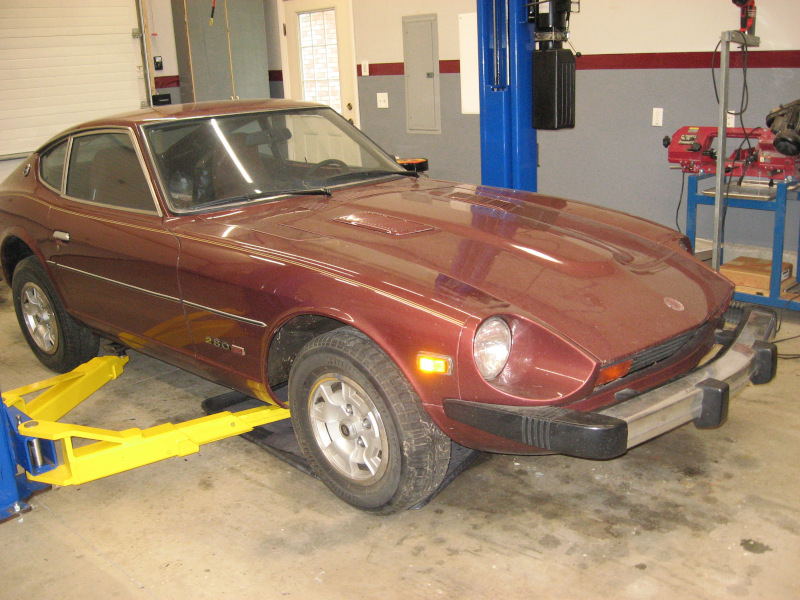
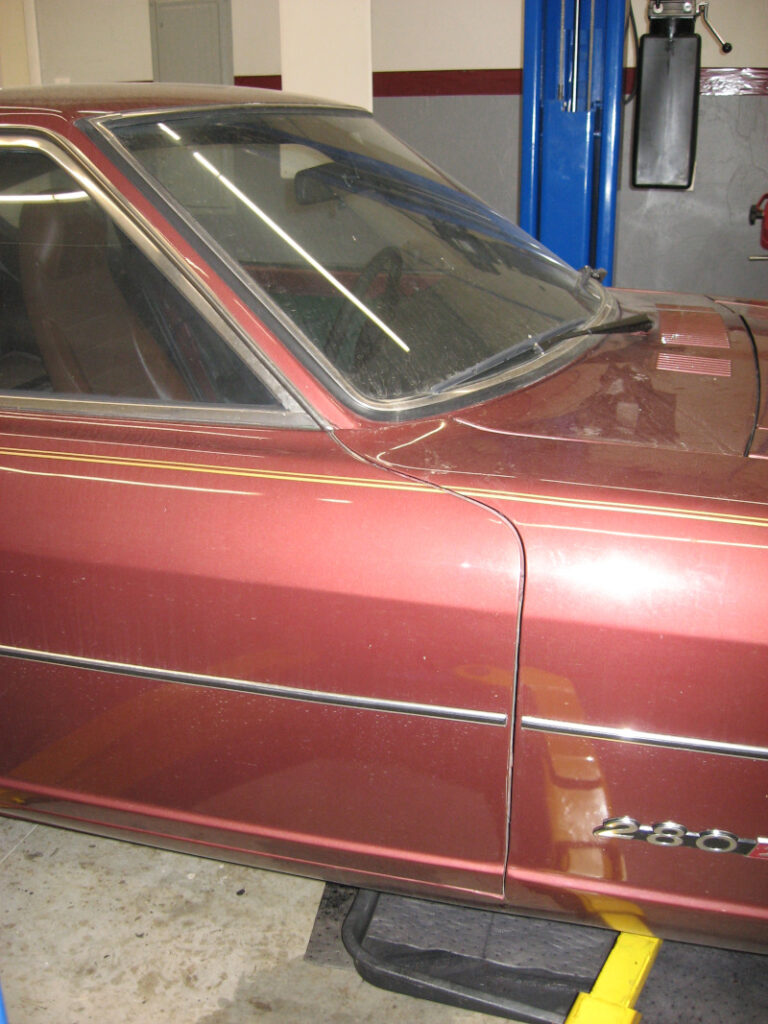
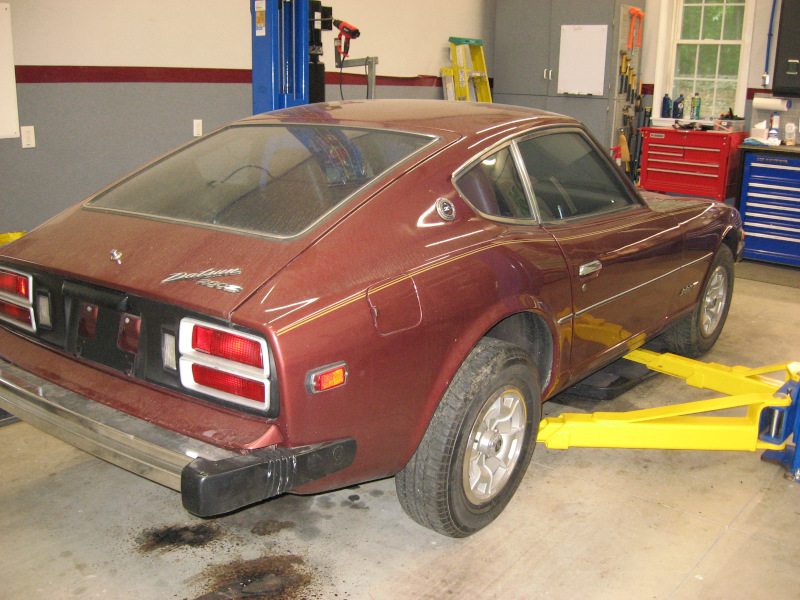
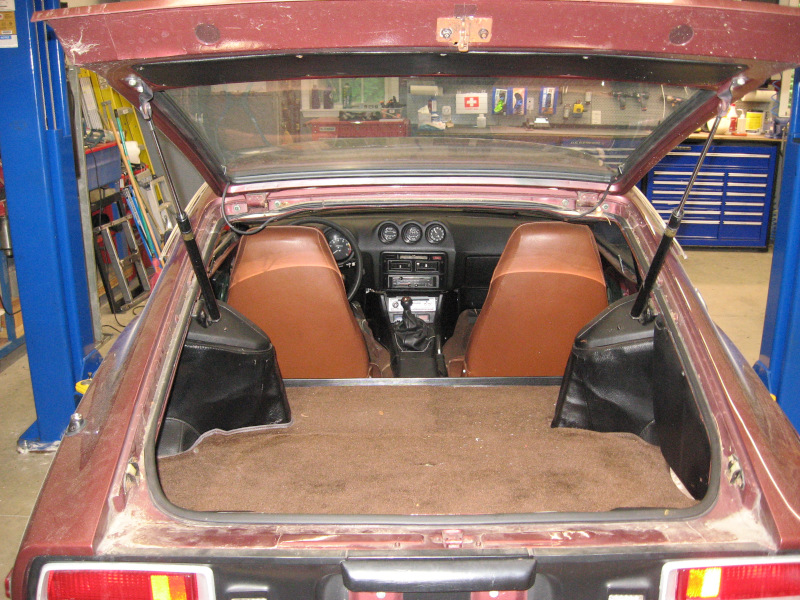
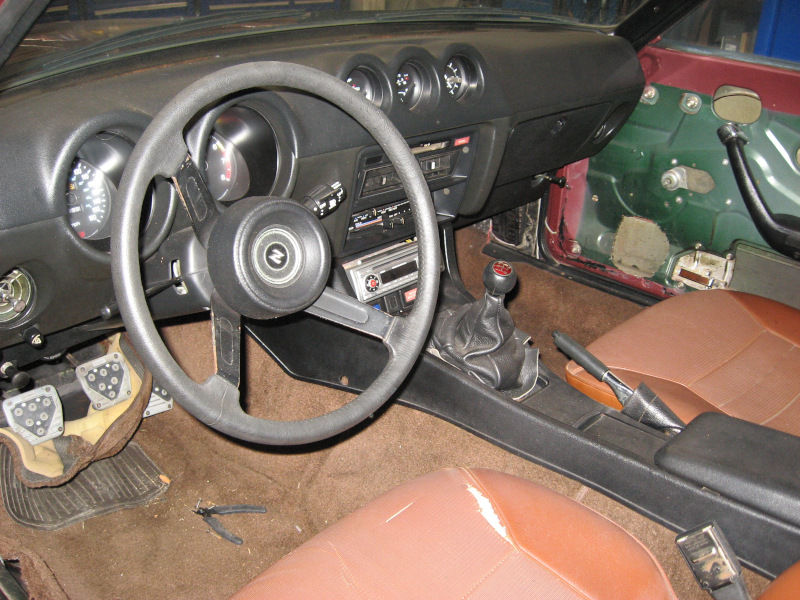
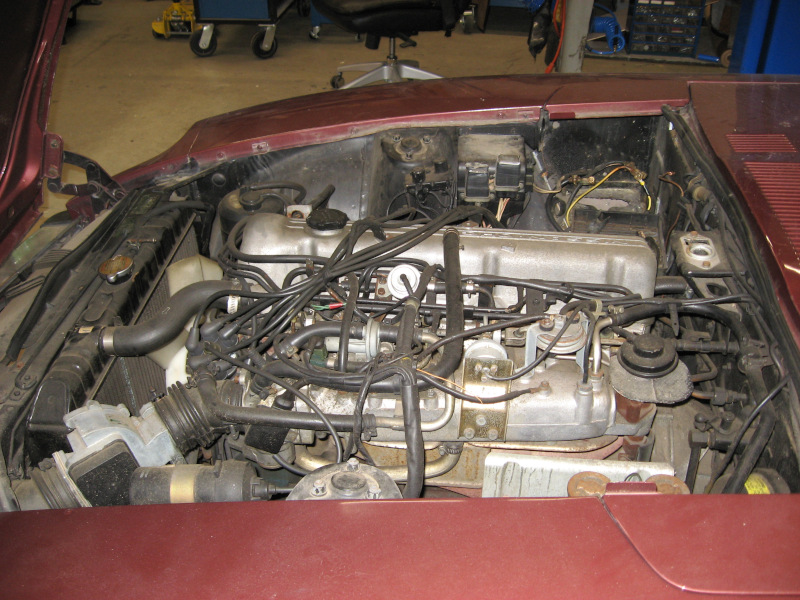
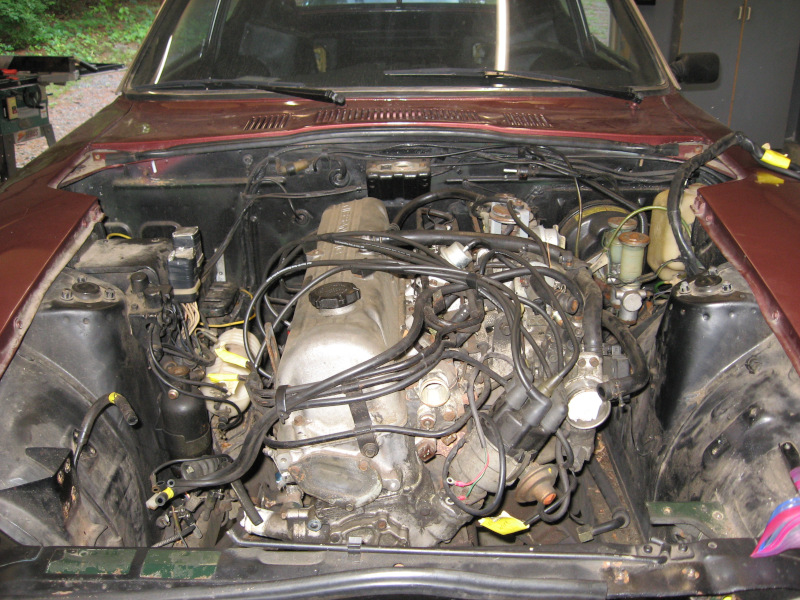
The Journey Begins

Let me introduce myself: I’m a long time geek working in the computer industry on open source software. I spend too much time in front of a computer. Way too much time.

I needed to do something to get away from the computer. Something physical – something to get dirt under my fingernails and sore muscles. Something where you can actually touch and see results at the end of the day.

So I decided to restore a car. [Insert scary music here]

Note: while WordPress puts the most recent posts at the top, you can also read the story in order starting with The Car Shows Up.

Continue reading
Posted in Restoration | Leave a comment

Torn

Time to close the hood and take the Imperial out for a test drive. Except the hood won’t close…

I’ve been having ongoing trouble with the hood. The rear corner on one side where the hinge is won’t go down all the way when you close the hood. I have to press down on this corner to completely close the hood. Annoying, but I’ve been dealing with it. Even replaced this hinge a couple of years ago, which temporarily fixed the problem.

This shouldn’t be happening. Unlike lesser cars, the Imperial hinge has a set of gears built into the four bar hinge linkage that should guarantee that the hinge goes down when the hood is closed.

But now the corner of the hood won’t go down no matter how hard I press on it. Time for some serious trouble shooting.

The hood and hinge are black on black in a shadowed black engine bay, so grab a flashlight and start carefully going over the entire hinge.

Whoa! The back of the hinge where it is bolted to the hood is sticking way up. The hinge is badly bent. No, wait – the back of the hinge is three quarters torn apart, twisted, and bent!

Hmm, this is the same place where I noticed cracking in the old hinge… And it is the location where the hood puts maximum stress on the hinge.

If the hinge was bending just a little bit it would explain why the back of the hood was sticking up a little bit. And as the hinge tore and bent more the problem would get worse and worse – exactly what has been happening!

With the actual problem identified the solution is obvious: remove the hinge, weld it up, and put it back together. Since the metal was stretched and torn it took a bit of filing, grinding, and hammering to get it back in shape for welding. But it was pretty straightforward. Hit it with a shot of black paint and let it dry over night.

Put the hinge back on the car and carefully close the hood… Both back corners of the hood smoothly go down and the hood closes properly. And there was much rejoicing!

Is the problem finally solved? I doubt it. It has happened twice with two different hinges. I can’t identify a reason why there would be more stress on one side of the hood, but it seems to be happening. Perhaps it is simply because the hood has been opened and closed frequently throughout the restoration?

In any case I now know what to look for. I will keep a close eye on the hood. If there are any signs of the problem cropping up again I will heavily reinforce the hinge with more steel. I have a rough idea for a design that would make the factory hinge much stiffer and stronger. The only downside is that it is a visible change, so I would need to modify both hinges.

After all that the test drive went smoothly.

Posted in Restoration | Leave a comment

Transmission Trials

With the lift installed the only thing to do was put it to use. I’ve been stalling on tackling transmission leaks for three years. Tackling this job with the car on jackstands would be close to impossible. With the lift it should be merely difficult.

What transmission leaks? When the transmission was rebuilt I got a packet of O-rings to seal various cables and tubes going into the transmission. I was told to make sure I replaced them, as the old ones would probably leak.

I misplaced the packet, got in a hurry when putting the engine and transmission back in the car, and used the old ones. They leaked. Of course I found the O-rings long after everything was back together.

The transmission pan also leaked. There is an updated pan gasket that is supposed to cure this problem. It helped, but didn’t eliminate the leak.

Aftermarket transmission pans have much thicker flanges than the stock factory pans. This helped further reduce the leak, but didn’t stop it. At least the extra two quarts of capacity in the new pan makes it less likely the transmission will be damaged to due to low fluid.

So, up on the lift and start tackling the problems!

The job quickly turned into a nightmare.

With the car fully assembled it was difficult to get to everything. Removing and replacing the buried cables was slow and painful, but finally done.

Put everything back together, fill the transmission, and test operation. Mostly works, with the exception that the parking lock doesn’t release. 1963 was the first year that Imperials had a parking lock inside the transmission. I’ve had trouble with this mechanism before, but got it to work. Run the lift up and start playing with adjustments. Couldn’t get it to work. Krud.

Drain the transmission again and take the parking lot actuator apart. Play with it a while, put it back together, and try it out. Now the transmission is unlocked – but it won’t lock!

Spend three days fighting it. Take it apart, tweak, put it back together, test. No change. Try every adjustment I can find in the manual. Nothing. Try every possibility that I can come up with. Nothing. The lock/unlock mechanism works perfectly when I do it manually, but using the parking lever in the shifter will not move it into the locked position.

Krud on a shingle with a side of despair!

Sit down and glare at the Imperial with heartfelt hatred while reviewing every failed attempt over the last three days. A tiny still voice in the back of my head casually remarks cables have two ends.

The shift mechanism on the other end of the cable is deeply buried in the most tightly packed and inaccessible part of the dash. Crawl under the dash, contort into a position where I can see the end of the park lock cable and the lever that moves it. Shine a flashlight on it.

The cable is partially broken with several strands sticking out. And it is bent to the side, kind of mushing around when the park lever is moved rather than moving in and out to operate the parking lock mechanism. Yeah, that would explain the problem…

Further contort my tortured body to the point where I can get my hand on the end of the cable and straighten it as much as I can. Work the parking lever and the cable goes in and out more than it did before. Carefully wiggle out from under the dash before my entire body locks up into a single massive cramp.

Try the parking lever. Lock and the rear wheels don’t move. Unlock and the rear wheels move. Try it several times with the same results. And there was rejoicing!

But not much rejoicing. The parking lock cable is failing and needs to be replaced before it strands me someplace. Finding a new one is going to be “entertaining”. Replacing it will be a nightmare.

With any luck this repair may be illuminating. Foreshadowing?

And I haven’t said anything about the nearly stripped bolts securing the transmission pan…

Let’s call this job half done and take a break.

Posted in Restoration | Leave a comment

Uplifted

After years of procrastination I finally submitted a budget request and got approval from the Chief Financial Officer to add a car lift to the workshop.

Imperial on lift

This isn’t a new idea – the workshop was designed for a lift. At least 12 feet of ceiling clearance is needed. This was addressed by making the shop walls 10′ high, making the concrete stem wall a foot high, and going with a cathedral ceiling instead of a flat ceiling. These design choices also make the workshop feel more open and airy.

Lifts require a 4″ thick concrete floor. 4″ is the standard thickness, so I had them make the floor 5″ thick. I wanted 6″ of concrete, but my builder talked me out of that, claiming it was overkill. I thought the lift would be about 12′ from the door, so I had the concrete crew dig a deeper concrete “bathtub” from 10′ to 14′ from the door the full width of the shop. This bathtub makes the concrete 10″-12″ thick where the lift should go.

With budget approval in hand I dived into research. There are two styles of lifts: two post and four post. Two post lifts are generally considered better for working on a car. Four post lifts are generally considered better for storing a car – there may be more discussion of this in a future post…

There are several manufacturers, ranging from commercial lifts that go up and down dozens of times a day for years on end to hobbyist lifts for lighter use. The lower end of the market is dominated by cheap imported lifts.

After extensive research and cogitation I decided on a four post lift, probably from Bendpak.

Additional research uncovered three suppliers of car lifts within a reasonable distance. One of them had the best reputation, so jump in the F150 and see what they had.

Long story less long: I walked in looking for a four post Bendpak lift and walked out with a used two post Rotary lift. Surprise, surprise…

After discussing my needs and the size of the shop they expressed concern about the floor space a four post would take up. They didn’t recommend Bendpak – they had another brand they preferred. But they also had a used Rotary two post lift that they had taken in on trade from a hot rod shop. They claimed lightly used and in great shape. It actually looked close to new.

Rotary is a commercial lift. This one is a 10,000lb capacity model as opposed to 8,000lb or 9,000lb on the four post lifts. Installed and ready to use it was 40% cheaper than a new four post.

So I stopped stalling, made an offer, and scheduled delivery and installation.

I could have saved a lot of money by installing it myself. The lifts are solid steel, 12′ high, weigh about 2,000lb, require precise positioning to work right, and have a complex array of cables and hydraulics. When I got budget approval the CFO looked at me and said “They are going to install it, right?” This was not a question…

Two guys showed up in a flatbed truck with a crane. The crane picked up the legs, let them rotate from horizontal to vertical, and dropped them in place. I drove the Imperial into the workshop for a test fit and they tweaked the position a bit.

Drilling holes for the anchor bolts went through 10″ of concrete – the bathtub idea worked!

They had the lift installed, showed me how to use it, and ran the Imperial up and down for a test – in about three hours! Money well spent.

Another view of Imperial on the lift

Now to use and enjoy this uplifting experience!

Posted in Workshop | Leave a comment

Wizard 13: Paw Paint

My vision for the Dragon Paw holding the Orb was a dark green mottled skin with dark yellow claws. The 3D printed paw was black. Well, this is what they make airbrushes for.

Order a set of acrylic model paints in different colors. The one for painting military vehicles has an assortments of greens and browns that look like they will work.

Spraying paint next to the Imperial makes me nervous. Fortunately this is a solved problem – a paint booth will draw air away from the airbrush and filter out all of the paint overspray. It also provides task lighting and includes a turntable for painting.

Start with a coat of primer. This let’s me practice with everything and provides a base for the rest of the work.

I’m looking for a muddy green for the skin, so start with olive drab and mix in some dark brown. Keep adding brown until it is muddy enough. No need to worry about color changes – I’m looking for a lot of variation. With green on everything clean out the airbrush and load it up with a little bit of dark brown. Spray patches of brown overcoat on various parts of the paw – not covering up the green, but giving it slightly darker areas.

Lean back and study the results. Hey, this isn’t too bad! It is ugly, uneven, and blotchy. Perfect – just like a dragon skin!

For the yellow claws I need finer control that I can get from the airbrush, so dig out the model paint brushes and brush on a coat of yellow. Discover that acrylic model paints have poor coverage and end up applying six coats.

The end result is very close to what I had in mind originally. And there was much rejoicing!

Dragon paw in spray paint booth
Posted in Misc | Leave a comment

Wizard 12: I need Power!

With the Orb working it was time to start working on the programming. Which would involve turning it on and off repeatedly. Well, we needed a power switch to actually use the Wizard Staff. Might as well go ahead and design and build a switch.

Do some research and select an on/off switch and order a bag of them. I’d been thinking about this for a while and decided that the “bracelet” below the dragon paw was the best place to mount it.

You know what is coming: Fire up the CAD system and design the switch into the bracelet. Print out the bracelet and test fit the switch. It works, so go ahead and wire it up.

This let me start on programming. The electrical engineer let me know that the batteries were on order, but it would be a few days before they were in. No problem; it makes more sense to do all of the development work with external power.

Except that I can’t completely assemble the Orb with the power wires in the way. And it would be really convenient to be able to choose between internal and external power.

Hmm… If I used a DPDT power switch I could choose between battery and external power. And it would be convenient to have a real power inlet on the staff. One that the external power supply could just plug into. A bit of research and order new switches and connectors.

Back into CAD and redesign the bracelet for the new switch and power inlet. Print it out and test fit things – everything fits! It is almost like I’m getting better at this design thing!

Assemble the Orb, dragon paw, and bracelet. Wire everything up. Test it: works on external power and should work on batteries when they show up.

NOW I can get serious about programming. Dig into WLED and (re)learn about effects, presets, and playlists.

Recall that we want to have interactive control of the Wizard Staff. The WLED controller has two I/O lines that can be used with pushbuttons. I had a bag of pushbuttons ready to go. Study the staff for a few minutes. Looks like the adapter between the bracelet and the shaft of the staff is the most convenient place to reach the buttons.

Back to CAD, design in the pushbuttons, and print out a new adapter. Hey, the pushbuttons fit! Wire everything up, assemble the pieces, and get back to working on the lighting effects.

Posted in Misc | Leave a comment

Revenge of the Mega Tree part 2

After an hour or so of playing with various settings and effects there was nothing left but admitting defeat. The LED strips on the bottom of the railing were great accent lights and terrible Christmas lights.

As I sat sulking in my chair, glaring at the lights, I recalled that I had an “extra” roll of pixels from the Mega Tree build. These were basically Christmas lights. Find where I hid the roll, plug it in to the end of the under-rail lights, and loosely wrap it around the railing to see how it looks. Fire it up and stand back.

And it looks great! This is what Christmas lights are supposed to look like! Hmm, three strings would cover the entire railing. Head to the computer and order two more strings.

With a full set of light strands in hand it was time to wrap them around the top rail. She Who Must Be Obeyed suggested “you know, it would look nice if they were draped from the (horizontal) wires”. Why yes, yes it would! And this makes it easy to adjust the length – just fiddle with it until everything was bowed the same amount.

Grab a handful of zip ties, fiddle with the spacing, and zip tie the lights in place. “Patiently” wait for nightfall and fire up the lights. Now This is Christmas!

Login to the WLED controller and start trying the 100+ effects that WLED provides. Find a half dozen that I like and save them into a playlist. Sit back and admire our now festive deck.

Railing with lights

Not quite a “I meant to do that!” situation, but worked out in the end.

Posted in Misc | Leave a comment

Revenge of the Mega Tree

Tis the season again. Pick a (somewhat) “warm” day and get all of the Christmas decorations up. To my pleased surprise I found all of the pieces of the Mega Tree, put them together, and everything worked! How did that happen???

Night time rolled around and everything looked great. Then She Who Must Be Obeyed asked the question: “Can we add some Christmas lights to the deck railing?”

Why, yes! Yes we can!

I’ve been thinking about adding lights to the deck railing ever since we installed it. This provided the impetus to actually do something.

My vision was to add accent lighting to the bottom of the railing. You want to control the brightness, so dimming is a requirement. There isn’t much difference between white LEDs and full color LEDs, so might as well go with color changing LEDs.

Or, even better, based on my experience with the Mega Tree, go straight to computer controlled pixels. This let’s you do full Christmas effects! Clearly the only way to go.

This time use the full size LED strips which are much easier to work with than the ultra narrow strips from the Wizard Staff. The full size strips are available in outdoor versions which have a heavy silicone sheathe that protects them from the weather and from damage. And they have an adhesive backing, so just peel ‘n stick on the bottom of the railing.

Right. You know better than that…

I don’t trust adhesive to stand up over the long term for applications like this. They also make a U-shaped aluminum channel for mounting LED strips. These channels have a snap in plastic cover that locks into place over the LEDs making sure they don’t go anywhere. Even if the adhesive fails completely everything is still secure.

And the channels are white, so they will blend invisibly into the white railing.

These channels are commonly held in place with double sided tape. Or…. You can run screws through the bottom of the channel. But the railings are (heavy) steel – you can’t run screws into that.

But you can drill and tap holes for machine screws. And I have drill bits. And taps. And a box of 8-32 stainless steel machine screws.

Order the LED strips, aluminum channels, and the electrical cable to wire everything up.

Drill and tap the holes in the bottom of the railing. Since I am experienced and careful I was able to accomplish this with only one broken tap. Screw the channel into place. Hey, it does disappear!

Now to install the LED strips. Thes strips come in 16.5 foot (5 meter) lengths. The long side of the deck is 22 feet. And I need a right angle connection.

Unlike my experiences with the ultra narrow LED strips, these full size strips are easy to work with. Cut to length, solder wires to the pads, and cover the connections with hot glue to protect and insulate. Check the full length on the bench and everything works.

Take the 30 foot long LED strip to the deck, peel off the backing, and stick it inside the channel. Come back and pop in the plastic covers and Viola! Done!

Hook up the WLED controller and test it. Still working! And there was much rejoicing!

Wait for nightfall, fire it up, choose some different WLED patterns, and admire my handiwork.

It was boring. It worked perfectly, but had no impact. You couldn’t see the LEDs – they were inside the channel, behind a diffuser, and below waist level. The light was shining down on the deck providing the accent light I had originally envisioned. It was nice, but it just wasn’t Christmas.

Crud.

To be continued…

Posted in Misc | Leave a comment

Wizard 11: Serpentine LEDs

WLED can treat a string of LEDs like a TV and display complex images and animations. Basically it treats a string of LEDs like a two dimensional matrix.

It does this by arranging the LED string in a serpentine pattern. The LED string goes up, down, up, down until it fills the 2D array.

The intelligent LED strings I’m using can be cut apart and re-connected between any two pixels. The backing for the string has three copper pads that can be connected by soldering wires to them.

With standard 1/2″ wide LED strings this is (somewhat) easy to do. With the ultra thin 2.7mm high density strings it is a nightmare.

To make the display look right you have to have the same number of pixels in each row. The original plan as to cut eight strips the same length and solder them together.

I tried. Several times. Managing to destroy several lengths of LEDs. The worst part was actually getting the connections to work a couple of times – until you moved the strips and the solder joints failed. I didn’t have the skills, equipment, or dexterity to pull this off. At lest not with any trace of reliability.

The electrical engineer proposed just wrapping the LED string up and down without cutting or soldering anything. This “wastes” some pixels at the top and bottom where you reverse direction of the LED string, but it avoids the need to cut and solder.

The first time I tried this I bent the LED string too much and damaged it. I tried cutting out and repairing the damaged sections. It almost worked. I managed to get the whole string to light up a couple of times. But as soon as I touched anything the fragile solder joints failed. After about three hours I gave up and ordered another roll of LEDs.

With the new roll of LEDs in hand I very carefully ran the string up and down the ribs of the inner framework. At each end I used the largest bends I could and left as much slack as possible in the string.

Completely paranoid now I checked the LED string for proper operation as I installed each of the eight legs. This time the whole string worked.

Slip the controller into its pocket and connect it to the LED string. Plug the controller into an external power supply and turn it own. The LEDs sprang to life!

So far, so good. Fire up the laptop, connect to the WLED controller, and start trying different patterns. It works and looks great. And there was much rejoicing!

Posted in Misc | Leave a comment

Wizard 10: Orb Assembly

With the CAD work done and parts in hand the next step was to actually assemble the Orb. Of course the electrical engineer had some last minute changes. Batteries kept falling out of the battery box, so he selected a different one.

Good news: the new boxes were close enough in size that the fit on the mounting plate. Bad new: the new boxes had different mounting holes.

No problem! Grab the 3D solid models for the new battery boxes and add them to the CAD assembly. Delete the mounting holes for the old boxes, project the mounting holes for the new boxes, and hit print.

Mount the battery boxes and screw them into place. Slide the voltage regulator into its slot. Slip the controller into its pocket. Everything fits!

Inner Structure with one battery box installed. Short LED strips test installed to check fit.

Now we just need to wire everything together.

But before that we need to install the LED strips.

Posted in Misc | Leave a comment

Wizard 9: Packing the Orb

With the controller in place the next question was how to power it. The electrical engineer determined that we would need four 16650 Lithium Ion cells and a voltage regulator to make this work. He identified the parts he wanted to use and sent me the part numbers.

The datasheet for the voltage regulator had a mechanical drawing with dimensions. OK, that gives me the information I need.

The batteries would go in two battery holders, each holding two cells. Tracking down the part number on the Internet I discovered one of the greatest advances of civilization in the last 20 years: dimensionally accurate downloadable 3D solid models of the parts! I knew that these existed, but this was the first time actually using them in anger.

Let me see… The battery holders needed to be mounted on a flat surface about “this” big. Play with geometry for a few minutes and I had a rectangle the needed size positioned between the Orb ribs. Extrude it about 0.080″ thick and I had a mounting plate for the battery holders fused into two of the ribs.

Position two of the battery holders on the mounting plate. Project the mounting holes from the battery holder model to the Orb inner structure model. It all fits and looks good.

Rotate the Orb around and add a mount for the voltage regulator to the back of the battery mounting plate. The voltage regulator is a tiny 1″ x 1″ circuit board with components sticking up. Design a slot for it to slide into with plenty of room on both sides for air flow – voltage regulators can produce a fair amount of heat.

Orb inner structure with battery boxes

Assuming the actual production parts fit the Orb should be ready to go!

Posted in Misc | Leave a comment